
5 devices · 4 brands
Vibration Sensors: Compare Specifications
Vibration sensors report movement or vibration at the mounting surface. Sensitivity and event reporting determine which routines a sensor can support.
Choose two or three devices to compare their recorded specifications, compatibility and missing information.
Compare vibration sensors →Explore Vibration Sensors
5 of 5 devices · Add 2–3 devices to compare their specifications.
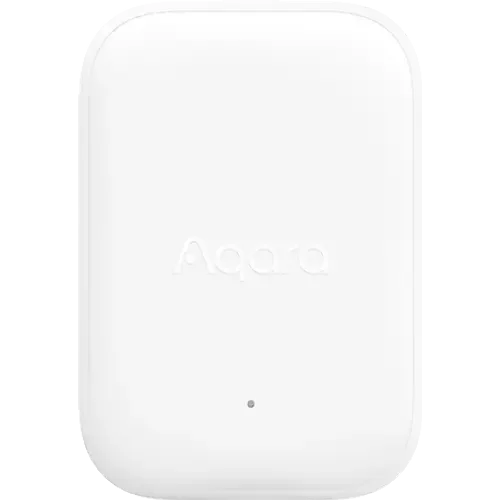
Aqara
Aqara Multi-State Sensor P100
Specifications · Compatibility
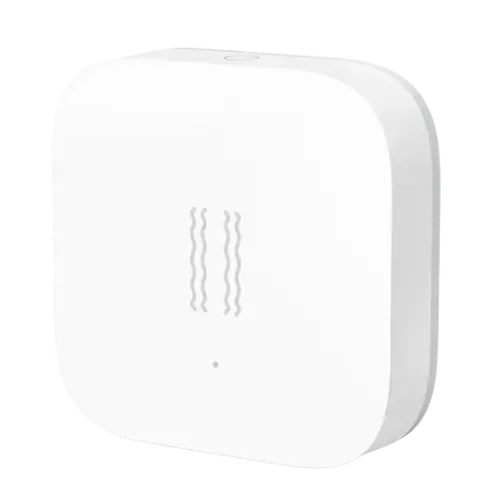
Aqara
Aqara Vibration Sensor
Specifications · Compatibility
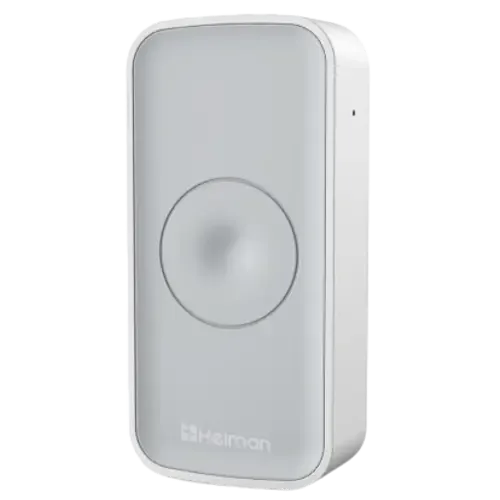
Heiman
Heiman Smart Vibration Sensor HS1VS series
Specifications · Compatibility
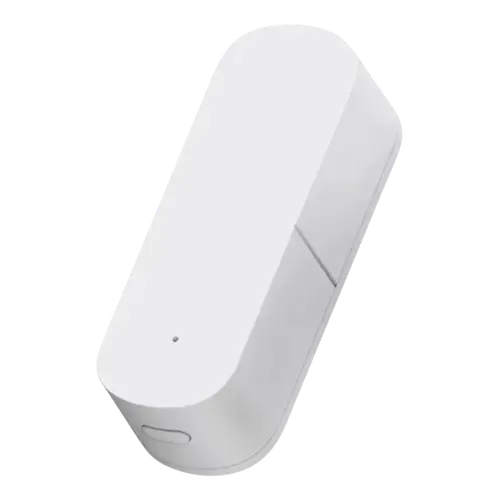
Moes
Moes Zigbee Smart Vibration Sensor
Specifications · Compatibility

Third Reality
Third Reality Vibration Sensor
Specifications · Compatibility
Check compatibility with your setup
Each list separates models that work directly from models that need a hub or bridge, using the recorded specification for each device.
Inside this catalog
How do vibration sensors differ?
Counts below are calculated from 5 catalog devices. They describe the recorded data, not the whole market or independent product tests.
| Specification | Recorded values · device count | Explicit values | Unresolved |
|---|---|---|---|
| VibrationSensors | Yes: 5 | 5 of 5 | 0 of 5 |
| TiltSensors | Yes: 3 | 3 of 5 | 2 of 5 |
| SensitivityFeatures | Yes: 5 | 5 of 5 | 0 of 5 |
Unknown, unspecified and conflicting values are unresolved. Explicit “No” counts as recorded. Units and model variants are not normalized. Check the product notes before treating a value as a fit for your setup.
How these catalog statistics are calculated →Catalog-level statistics
Vibration Sensors: recorded feature coverage
Based on 5 devices in this directory. Feature percentages use explicit Yes/No answers only; unresolved answers are shown separately. These figures are not market share.
Integration and protocol support
Features with the most recorded Yes answers
Which Brands Are In This Catalog?
Device counts refer to this category’s catalog entries, not the manufacturer’s entire range.
Plan the rest of your setup
These categories address related jobs. Check model-level compatibility before combining devices.
Door & Window Sensors
Door and window sensors report whether an opening is open or closed. Many use a sensor and magnet that must remain correctly aligned.
Hubs
Smart home hubs coordinate supported devices and automations. Radio support, software integrations and local processing are separate capabilities to verify.