
16 devices · 5 brands
Displays: Compare Specifications
Smart home displays provide a visual interface for information and supported device controls. Camera feeds, dashboards and voice features depend on the model and platform.
Choose two or three devices to compare their recorded specifications, compatibility and missing information.
Compare displays →Start with your question
Echo Show 5, 8, 10 or a Nest Hub?
Include the generation or release year in your comparison. Similar display names can refer to different hardware; inspect the exact screen, camera and controller functions you need.
Model-specific questions
Explore Displays
16 of 16 devices · Add 2–3 devices to compare their specifications.
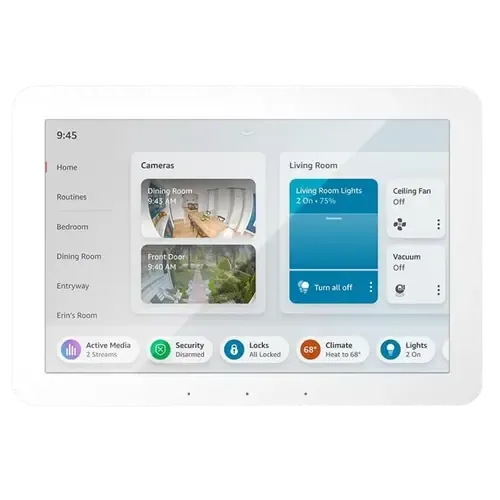
Amazon
Amazon Echo Hub
Specifications · Compatibility
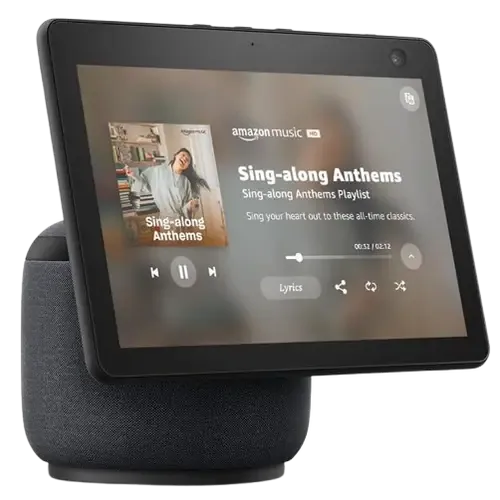
Amazon
Amazon Echo Show 10 (3rd Gen)
Specifications · Compatibility
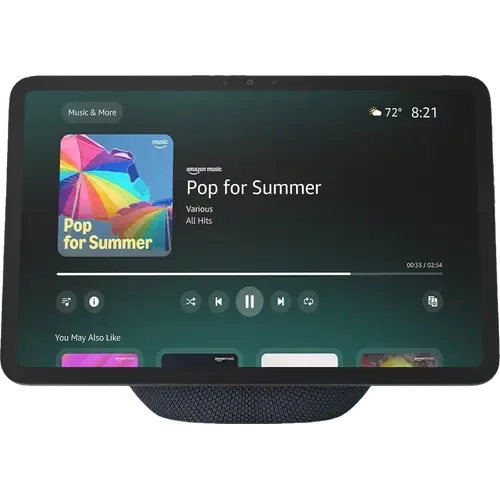
Amazon
Amazon Echo Show 11
Specifications · Compatibility
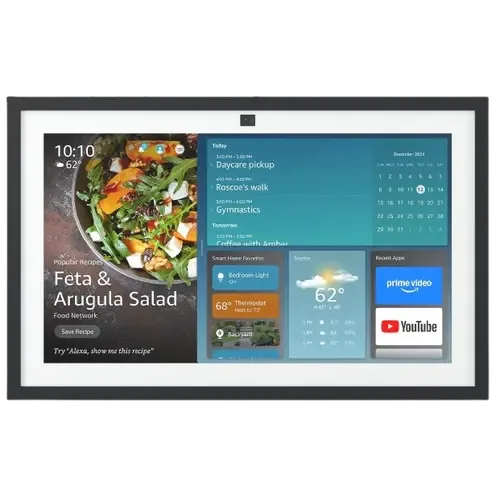
Amazon
Amazon Echo Show 15 (2nd Gen)
Specifications · Compatibility
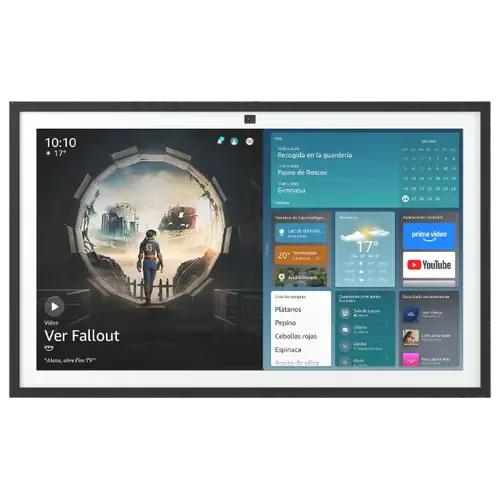
Amazon
Amazon Echo Show 21
Specifications · Compatibility
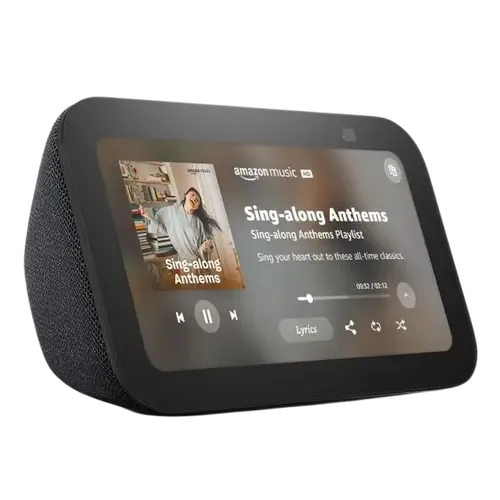
Amazon
Amazon Echo Show 5 (3rd Gen)
Specifications · Compatibility
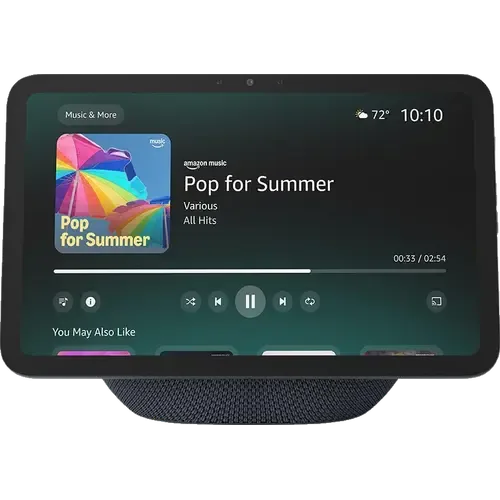
Amazon
Amazon Echo Show 8 (2025)
Specifications · Compatibility
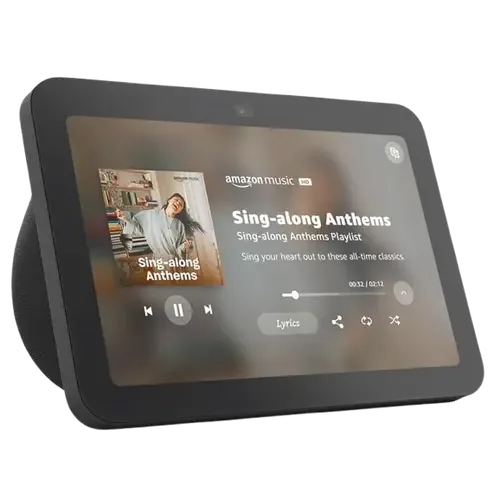
Amazon
Amazon Echo Show 8 (3rd Gen)
Specifications · Compatibility
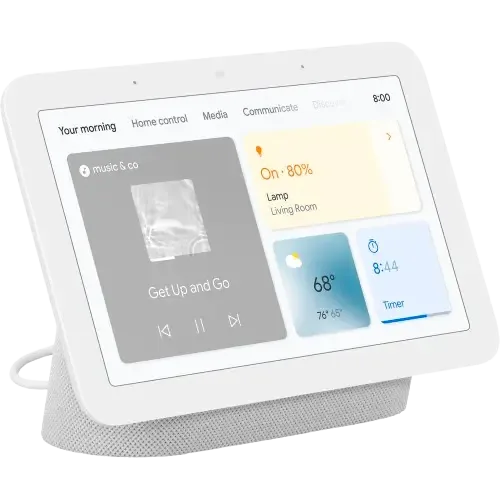
Google Nest Hub (2nd Gen)
Specifications · Compatibility
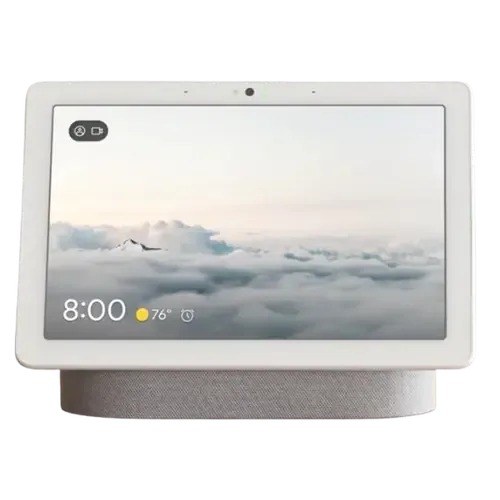
Google Nest Hub Max
Specifications · Compatibility
Shelly
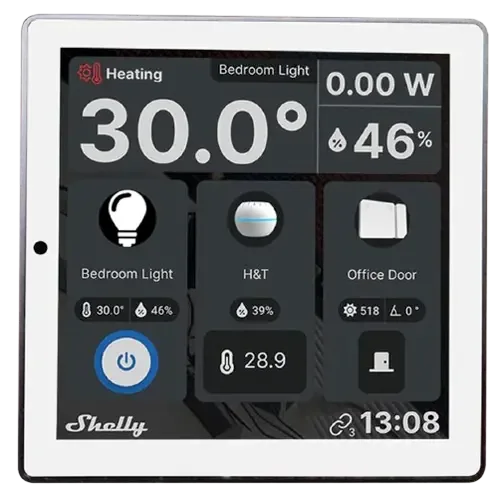
Shelly Wall Display
Specifications · Compatibility
Shelly
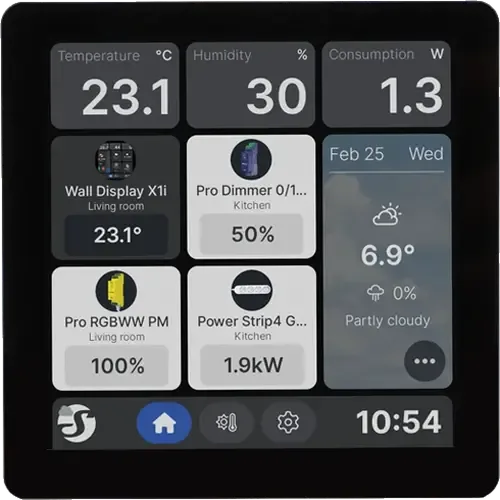
Shelly Wall Display X1i
Specifications · Compatibility
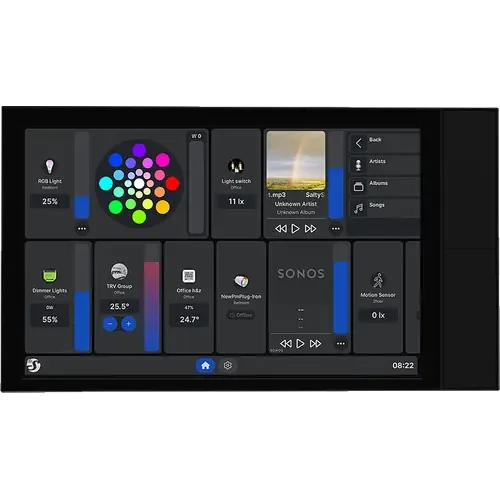
Shelly
Shelly Wall Display XL
Specifications · Compatibility
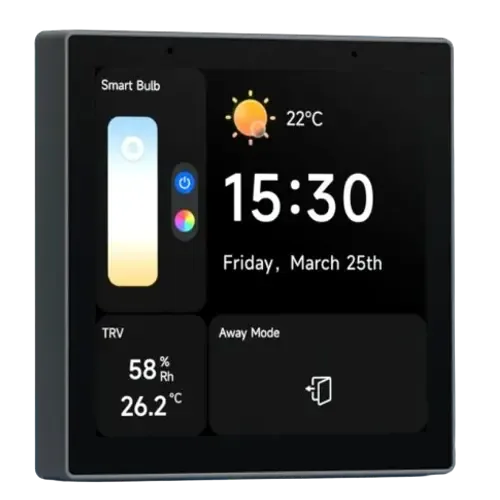
Sonoff
Sonoff NSPanel Pro
Specifications · Compatibility
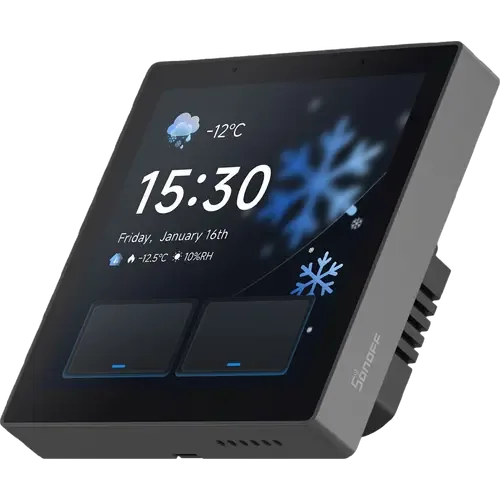
Sonoff
Sonoff NSPanel Pro Gen2
Specifications · Compatibility
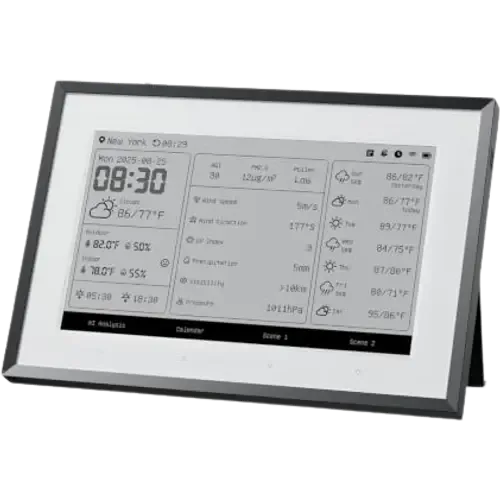
SwitchBot
SwitchBot Smart E-Ink Home Dashboard
Specifications · Compatibility
Check compatibility with your setup
Each list separates models that work directly from models that need a hub or bridge, using the recorded specification for each device.
Inside this catalog
How do displays differ?
Counts below are calculated from 16 catalog devices. They describe the recorded data, not the whole market or independent product tests.
| Specification | Recorded values · device count | Explicit values | Unresolved |
|---|---|---|---|
| Screen SizeDisplay | 10.1": 23.95": 28": 210 other distinct values in the catalog | 16 of 16 | 0 of 16 |
| Touch ScreenDisplay | Yes: 15No: 1 | 16 of 16 | 0 of 16 |
| Thread border routerHub | Yes: 9No: 7 | 16 of 16 | 0 of 16 |
Unknown, unspecified and conflicting values are unresolved. Explicit “No” counts as recorded. Units and model variants are not normalized. Check the product notes before treating a value as a fit for your setup.
How these catalog statistics are calculated →Catalog-level statistics
Displays: recorded feature coverage
Based on 16 devices in this directory. Feature percentages use explicit Yes/No answers only; unresolved answers are shown separately. These figures are not market share.
Integration and protocol support
Features with the most recorded Yes answers
Which Brands Are In This Catalog?
Device counts refer to this category’s catalog entries, not the manufacturer’s entire range.
Plan the rest of your setup
These categories address related jobs. Check model-level compatibility before combining devices.
Voice Assistants
Voice-assistant devices provide spoken interaction with supported services and home controls. The voice platform, available languages and processing requirements affect daily use.
Cameras
Security cameras capture video for monitoring a space. Power, recording location and access to footage matter as much as the advertised resolution.
Hubs
Smart home hubs coordinate supported devices and automations. Radio support, software integrations and local processing are separate capabilities to verify.